Electronic signatures with evidence linked to each document

Prepare documents and recipients in batches, track progress, and keep the receipt associated with the workflow completed inside the company.

Batches • Documents • Recipients • Evidence • Reports

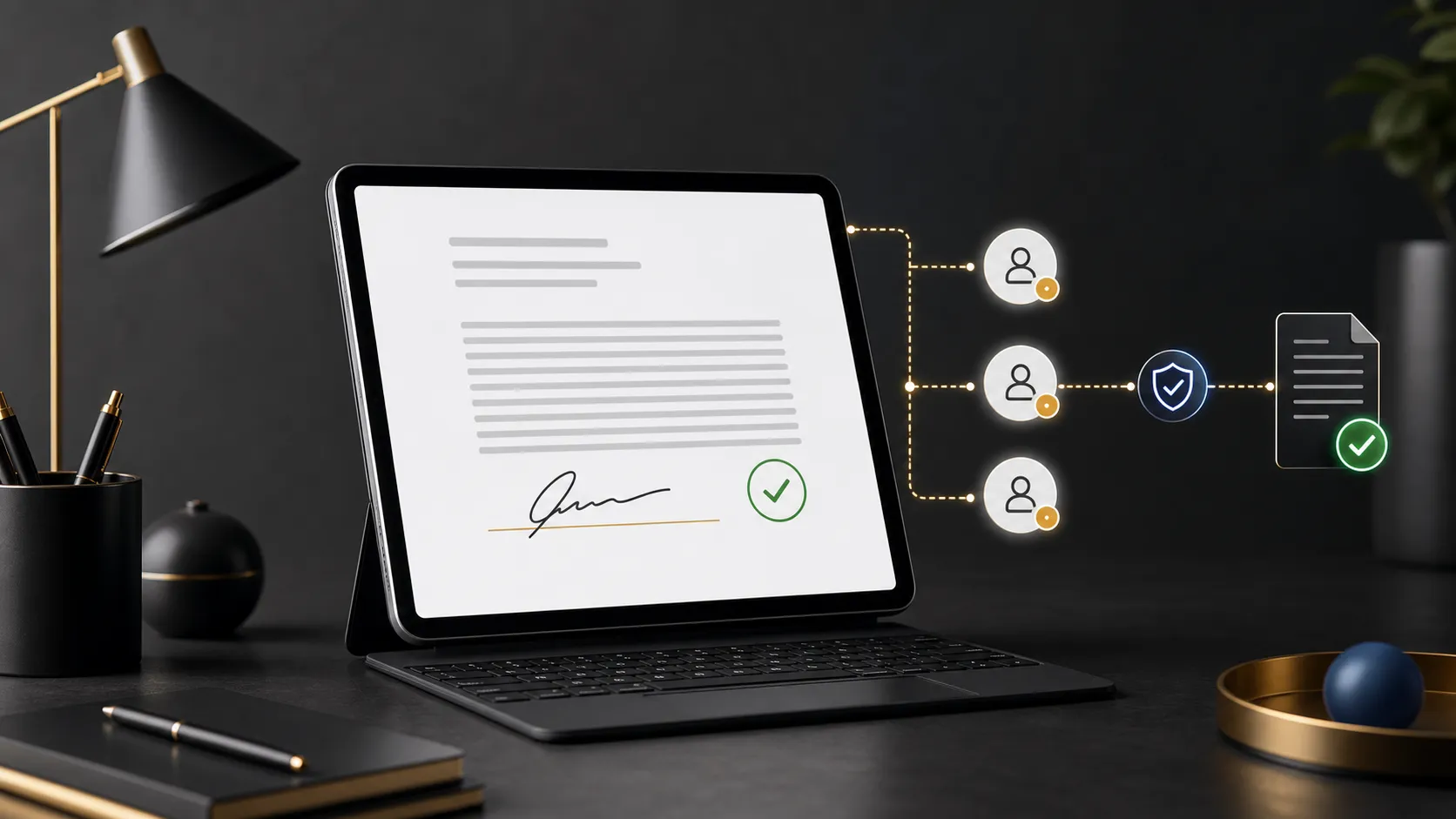
Electronic document connected to three recipients and a completion record

Document, recipients, and completion record organized in the same workflow.

Documents that need formalization

Internal workflows with recipients, deadlines, and receipts

The module supports corporate documents that need to move from informal delivery into a tracked workflow.

Policies and procedures

Distribute an identified document version to defined recipients and track formalization.

HR documents

Organize terms, individual notices, and employee documents with recipients and history.

Training and guidance

Formalize documents that complement guidance and training when individual acknowledgment is required.

Internal controls and audits

Consult history and receipts when an internal review needs to verify the completed workflow.

Module capabilities

From batch preparation to evidence tracking

See the controls that organize documents, recipients, integrity, and tracking in one workflow.

Preparation and distribution

Structure documents and audiences before starting collection.

  • Document batches

    Group documents and recipients into a trackable operation.

  • Signature categories

    Organize workflows by document type and company context.

  • Defined recipients

    Link each document to the people who need to take action.

Document and evidence

Keep records associated with the content and completed workflow.

  • File integrity

    The workflow checks document availability and integrity before opening it.

  • Action record

    The signature remains linked to the authenticated account, document, and company context.

  • Associated receipt

    Consult the receipt and history related to the processed document.

Tracking and analysis

View batch progress and produce information for internal management.

  • Status by batch and document

    Track preparation, processing, and completion in an organized view.

  • Authorized hierarchy view

    Authorized managers track people in the departments under their responsibility and linked structures.

  • Delegated access by department

    Grant report access to one person in one or more departments, including descendant structures when needed. When you remove only one scope, other report access and access derived from the management role are preserved.

  • Requires attention and filters

    Filter by unit, department, team, category, document, and employee; the same selection guides the screen, CSV, and PDF.

Operational control

What the team tracks day to day

The responsible team gains an organized view of the batch, documents, and each recipient's progress.

Which documents and recipients belong to each batch.

Which stage preparation, processing, and completion are in.

Which receipt is associated with the document and completed workflow.

Which document categories and contexts require follow-up.

Which signatures require attention within the authorized hierarchy and applied filters.

Best fit

Where electronic signatures usually fit best

Fit depends on the document type, audience, required evidence, and the legal assessment applicable to the workflow.

01

Internal policies

When a policy needs to reach a defined audience and retain an acknowledgment record.

02

Employee documents

When HR needs to distribute and track individual documents in the company environment.

03

Training terms

When guidance or training also requires a separate formal document for signature.

04

Reviewable workflows

When the company needs to later consult who received, completed, and finished the workflow.

FAQ

Common questions about the module

Objective answers about scope, evidence, and corporate document workflows.

What is the difference between automatic hierarchy and delegated access?

Automatic hierarchy provides report access for departments linked to the management role. Delegated access lets you grant report access to one person in one or more departments, with descendant structures when needed. Removing only one scope preserves other report access and access derived from the management role.

What does the electronic signature module include?

The module organizes batches, documents, recipients, categories, status tracking, receipts, history, and reports for internal company workflows.

Is the signature linked to the document?

Yes. The workflow associates the record with the authenticated account, document, and company context, checking integrity before opening and keeping a receipt related to the operation.

Does Vindula provide ICP-Brasil qualified signatures?

No. The module does not currently provide qualified signatures based on the signer's ICP-Brasil certificate. Method suitability must be assessed according to the document, parties, and applicable rules.

Does electronic signing guarantee legal validity for every document?

There is no universal guarantee. Evidence sufficiency depends on context, document type, party identification, and specific legal or industry requirements.

How does the module connect to Document Management and HR?

Document Management maintains the document source, categories, and version history. HR provides employee and journey context where terms, policies, or individual documents need tracking.

How should implementation start?

Start with one well-defined document category and audience. In the guided demo, we assess the current workflow, recipients, required evidence, and how Document Management, HR, or Training can complement the routine when appropriate.

Want to organize internal document signing?

In the demo, we start with a real document from your operation to map the batch, recipients, tracking, and required evidence.