Power BI reports in the context where decisions happen

Indicators can accompany internal updates, knowledge pages, and guidance to turn reporting into action.

Power BI • workspaces • embedded reports • Microsoft authorization • operational context

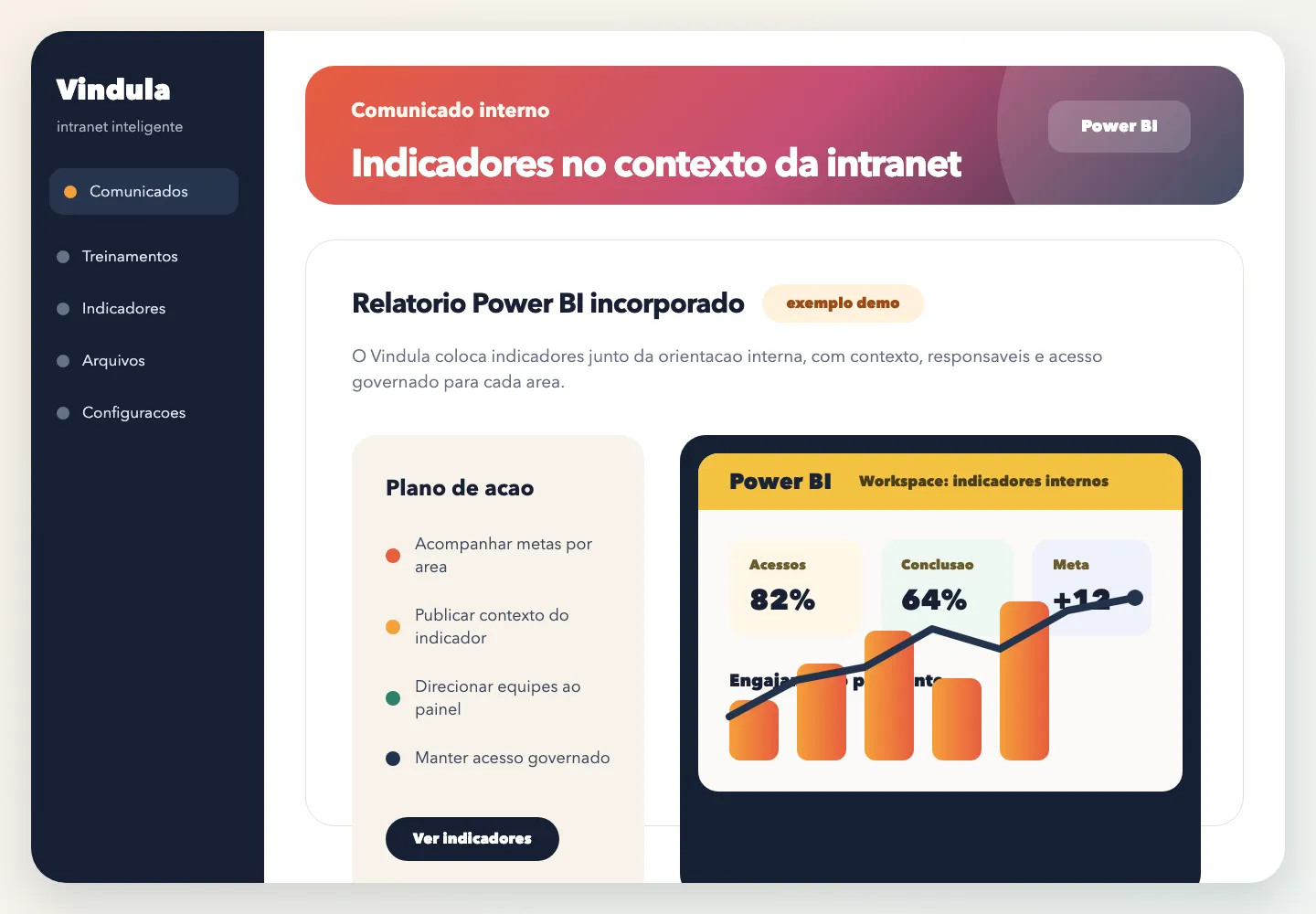
Demo example of a Power BI report embedded into internal Vindula content

Demo example: indicators appear alongside internal guidance to support decisions and follow-up.

Integration in detail

What your company can organize

Understand what can be connected, who controls operations, and how governance appears in daily use.

Connection and selection

List reports published in authorized workspaces and choose the right indicator for each piece of content.

  • Power BI workspaces

    The integration reads workspaces available to the authorized Microsoft account.

  • Report selection

    The owner chooses which report enters internal content.

  • Reconnect when needed

    The screen guides reconnection when authorization or scopes need to be updated.

Reports in content

Place BI alongside internal updates and pages to reduce context switching.

  • Block in internal update

    Reports can accompany internal posts when the indicator helps explain the message.

  • Block in internal page

    Knowledge pages can bring guidance, context, and report into one place.

  • Expanded viewing

    Employees can enlarge the report or open the Power BI source when allowed.

Governance and access

Reports appear with Microsoft authorization and respect the content access context.

  • Microsoft authorization

    The connection uses Microsoft authorization to read and render permitted reports.

  • Access by content

    Viewing starts from the access a person has to the internal update or page.

  • Context for action

    Indicators stay close to guidance about what should be analyzed or executed.

Operational control

What becomes clear for the company

The integration needs to reduce dispersion and clarify source, authorization, ownership, and day-to-day use.

Bring indicators into the same content where the team receives guidance and context.

Prevent reports from staying isolated in links or tools that few people follow.

Use Microsoft authorization to list reports and render what is permitted.

Connect indicators to internal updates, knowledge pages, and routines that need decisions.

Connected to the platform

The integration gains value when it appears in the flow of work

Documents, reports, and connected routines need to support communication, document management, knowledge, and HR with the same official reference.

Best fit

When it makes sense to prioritize this integration

The decision should start from where information lives today and how it needs to reach employees with context.

01

Reports already published

When the company already has Power BI workspaces and wants to bring indicators closer to operations.

02

Data-guided communication

When a message needs visual evidence to support decision-making.

03

Indicators with action plan

When the report needs to explain what to do, who follows up, and which routine changes.

FAQ

Common questions before the demo

Objective answers to align expectations about scope, authorization, and governance.

How does Power BI appear in Vindula?

Reports can be added as blocks in internal updates or pages so employees consult the indicator in the message context.

Do I need to publish the report in a workspace?

The recommended scenario is to use reports published in company-authorized Power BI or Fabric workspaces. Technical scope is validated during implementation.

Who can see the report?

Viewing depends on access to the content in Vindula and the Microsoft authorization available for the report.

Want to validate this integration in your company scenario?

The guided demo shows what makes sense to connect first, which permissions enter scope, and how the integration supports operations.